

Documentation last updated May 29, 2026
Next.js adapter release status
Current Next.js rollout version and notes for the plain adapter shipped inside Platform Core.
Current version
0.1.23
Delivery lane
Included in Platform Core
Compatibility notes
Next.js still uses the plain adapter lane from Platform Core with App Router-style integration.
Key rollout changes
1. Place shared assets in `public/` or another root-served path.
2. Keep every locale policy route aligned with the runtime config.
3. Validate consent-aware behavior across server and client transitions.
Next.js adapter: post-purchase rollout
Use this guide after payment to move from ZIP download to a tested Next.js production integration.
- • Download `platform-cookie-core.zip` from the customer area.
- • Copy the plain adapter and shared assets into `public/`.
- • Register each live hostname in billing.
- • Load and boot the runtime from `app/layout.tsx` with a `license` object that includes `siteKey`, `verifyUrl`, and `billingUrl`.
- • Validate localized policy routes, consent state, and audit behavior.
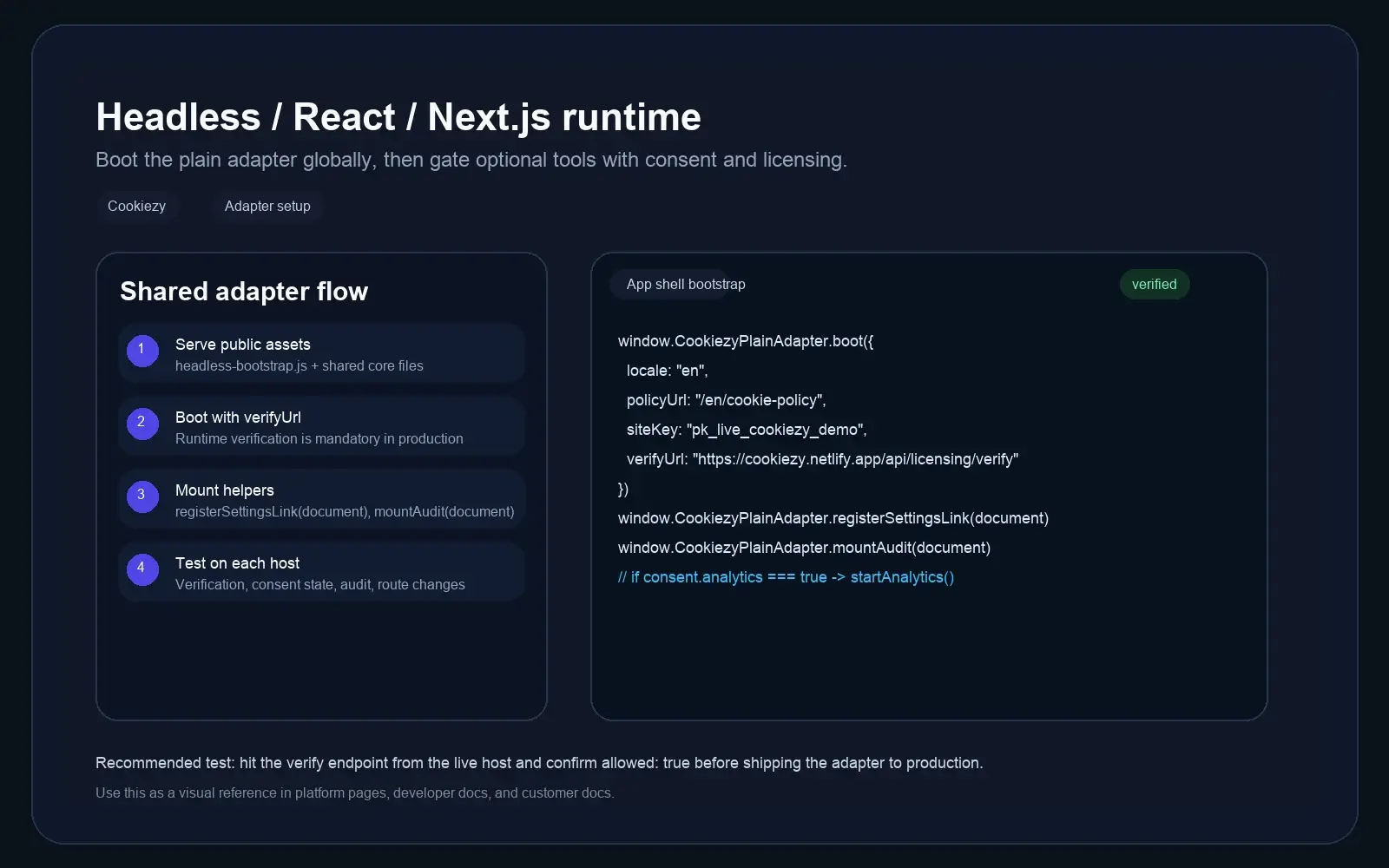
Serve the assets from `public/`
The root layout should be able to load the shared CSS and runtime assets across all routes and locales.
Code snippet
public/cookiezy-plain-adapter.js
public/cookie-consent.js
public/cookie-consent-ui.js
public/cookie-consent-scanner.js
public/cookie-consent.cssBoot the runtime from the root layout
Keep the consent layer globally available in App Router by loading the adapter from the root layout.
Code snippet
window.CookiezyPlainAdapter.boot({
  locale: locale,
  defaultLocale: "en",
  localeRoutes: {
    en: { policyUrl: "/en/cookie-policy", pathPrefixes: ["/en"] },
    sl: { policyUrl: "/sl/politika-piskotkov", pathPrefixes: ["/sl"] }
  },
  storageKey: "cookiezy_next_v1",
  license: {
    siteKey: "ck_live_cookiezy_demo",
    verifyUrl: "https://cookiezy.com/api/licensing/verify",
    billingUrl: "https://cookiezy.com/en/billing"
  }
});Map locale segments to policy routes in App Router
If your Next.js app uses `app/[locale]`, pass the segment locale directly and keep `localeRoutes` aligned with the localized cookie policy paths. This keeps the banner language and policy link in sync across all localized routes.
- • Use the active route segment as `locale`.
- • Use `localeRoutes` for per-locale cookie policy URLs.
- • Register every production hostname in billing even if all locales share the same domain.
Refresh Cookiezy after a client-side locale change
If the active locale changes client-side, use `Cookiezy.setLocale()` so the banner and modal update immediately without a hard reload.
Code snippet
window.Cookiezy.setLocale("sl", {
  localeRoutes: {
    en: { policyUrl: "/en/cookie-policy", pathPrefixes: ["/en"] },
    sl: { policyUrl: "/sl/politika-piskotkov", pathPrefixes: ["/sl"] }
  },
  license: {
    billingUrl: "https://cookiezy.com/sl/billing"
  }
});Validate routing, audit, and licensing
Run the same checks on homepage, pricing, and policy routes before launch.
- • Banner appears on first visit.
- • Localized routes keep the correct policy page URL.
- • Policy page audit mounts and re-scan works.
- • Optional analytics starts only after consent.
- • Verification endpoint returns `allowed: true` for each live hostname.
- • If billing is inactive or the hostname is not registered, the runtime falls back to necessary-only restricted mode.