

Documentation last updated May 29, 2026
Strapi plugin release status
Current Strapi plugin version and rollout notes for the split editor-plugin plus frontend-runtime model.
Current version
0.1.23
Delivery lane
Marketplace plugin
Compatibility notes
Strapi is now documented as a split model: standalone plugin for editor-side config, Platform Core for the visitor-facing runtime.
Key rollout changes
1. Use the Strapi plugin for admin config UI and generated frontend config preview.
2. Keep the visitor-facing runtime in the frontend app, not inside Strapi itself.
3. Register live frontend hostnames before publish.
Strapi adapter: headless CMS bridge
Use this path when Strapi provides content and settings, while the frontend site is responsible for loading the Cookiezy runtime, banner, scanner, and policy page audit.
- • Keep the actual Cookiezy scripts on the frontend site.
- • Use Strapi to manage `defaultLocale`, `localeRoutes`, and policy URL mappings.
- • Pass licensing fields through the generated frontend config.
- • Mount the live cookie audit on the published frontend policy page, not inside Strapi admin.
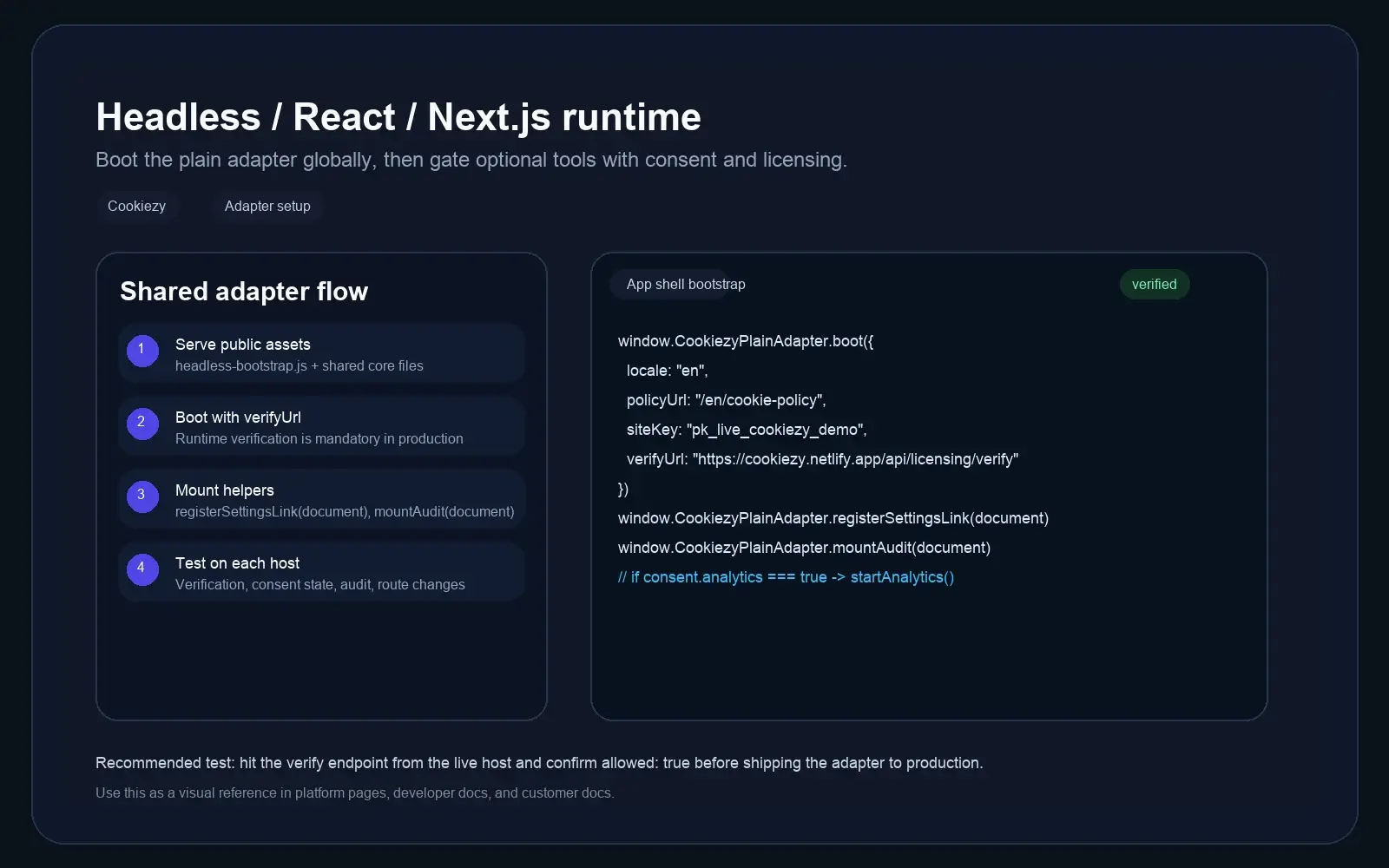
Serve the runtime from the frontend shell
The frontend still loads the shared CSS, the canonical Strapi bridge file, a bootstrap step that maps Strapi settings into `window.CookiezyConfig`, and only then the core runtime, UI, and scanner. Important: `cookie-consent.js` must load after the Strapi adapter boot step.
Code snippet
<link rel="stylesheet" href="/cookiezy/cookie-consent.css" />
<script src="/cookiezy/cookiezy-strapi-adapter.js"></script>
<script>
  window.CookiezyStrapiAdapter.boot(
    window.CookiezyStrapiAdapter.buildConfigFromStrapiSettings(strapiSettings)
  );
</script>
<script src="/cookiezy/cookie-consent.js"></script>
<script src="/cookiezy/cookie-consent-ui.js"></script>
<script src="/cookiezy/cookie-consent-scanner.js"></script>Map Strapi settings into the shared Cookiezy config
Read the settings from Strapi and turn them into the same runtime object used by other adapters. This keeps locale, policy URL, layout, and licensing consistent across platforms.
Code snippet
const strapiSettings = {
  defaultLocale: "en",
  localeRoutes: {
    en: { policyUrl: "/en/cookie-policy", pathPrefixes: ["/en"] },
    sl: { policyUrl: "/sl/politika-piskotkov", pathPrefixes: ["/sl"] }
  },
  storageKey: "strapi_cookie_consent_v1",
  theme: { layout: "bottom-right" },
  license: {
    siteKey: "ck_live_cookiezy_demo",
    verifyUrl: "https://cookiezy.com/api/licensing/verify",
    billingUrl: "https://cookiezy.com/en/billing"
  }
};

window.CookiezyStrapiAdapter.boot(
  window.CookiezyStrapiAdapter.buildConfigFromStrapiSettings(strapiSettings)
);Use Strapi locales to feed `localeRoutes`
If Strapi already stores localized page data, keep a matching locale-to-policy mapping in the Cookiezy settings model. The shared core can then resolve the correct language and policy page from the current frontend route.
- • Use the same locale codes in Strapi and the frontend runtime where possible.
- • Keep `pathPrefixes` aligned with the frontend router, not the Strapi admin URL structure.
- • Each locale should point to the correct published policy page.
Plugin-ready, but still frontend-first
A future Strapi plugin can provide a better admin editing flow, saved parameters, and a generated config preview. It should not replace the frontend runtime or try to own browser-side consent execution.
- • Recommended future plugin scope: settings screen, generated config preview, install checklist.
- • Do not treat Strapi admin as the place where the visitor-facing banner runs.
- • Keep the published frontend responsible for audit mounting and pre-consent blocking tests.
Use the included Next.js + Strapi example as your starting point
The package now includes a concrete `examples/strapi-nextjs/` flow with an App Router layout, a frontend bootstrap component, a Strapi fetch helper, and a localized cookie policy page example.
- • Read settings from the Strapi plugin endpoint on the server.
- • Convert Strapi locale routes into the shared Cookiezy runtime shape.
- • Boot Cookiezy from the Next.js shell with `CookiezyStrapiAdapter`.
- • Mount the audit block on the published policy page.
A React + Strapi example is included too
The package also includes `examples/strapi-react/` for SPA-style teams. It shows a React shell provider that reads settings from Strapi, loads Cookiezy assets once, and mounts the policy-page audit on the frontend route.
- • Use a single shell-level `CookiezyProvider` in React.
- • Fetch Strapi plugin settings once and turn them into the shared runtime config.
- • Load Cookiezy scripts only once from the app shell.
- • Mount the audit block on the React cookie policy route.
Strapi rollout checklist
Validate both the CMS-config layer and the published frontend behavior before launch.
- • Frontend boot receives the expected values from Strapi.
- • Hostname verification returns `allowed: true` on the live site.
- • Banner language matches the active locale route.
- • Cookie policy page opens the correct locale-specific URL.
- • Audit mount renders and re-scan reflects the current browser session.
- • Restricted mode still blocks optional behavior when billing or verification is inactive.