

Documentation last updated May 29, 2026
Wix app release status
Current Wix app version and rollout notes for the primary app-first installation path.
Current version
3.2.0
Delivery lane
Private or unlisted app
Compatibility notes
Wix now uses the dedicated app-first lane. Platform Core custom code remains fallback-only.
Key rollout changes
1. Install the Wix app from Downloads.
2. Link the Cookiezy account in Overview and publish runtime from Settings.
3. Use Platform Core custom-code files only for support or recovery.
Wix adapter: app-first rollout
Use this guide after purchase to move from Cookiezy account access to a working Wix setup without making merchants manage global Custom Code manually.
- • Install the private or unlisted Wix app from the Cookiezy install link.
- • Connect the Wix installation to the correct Cookiezy account and billing profile.
- • Register the live Wix hostname in billing.
- • Use the app-hosted runtime URL in Cookiezy Settings.
- • Publish and test banner, settings, audit, and licensing behavior on the Wix site.
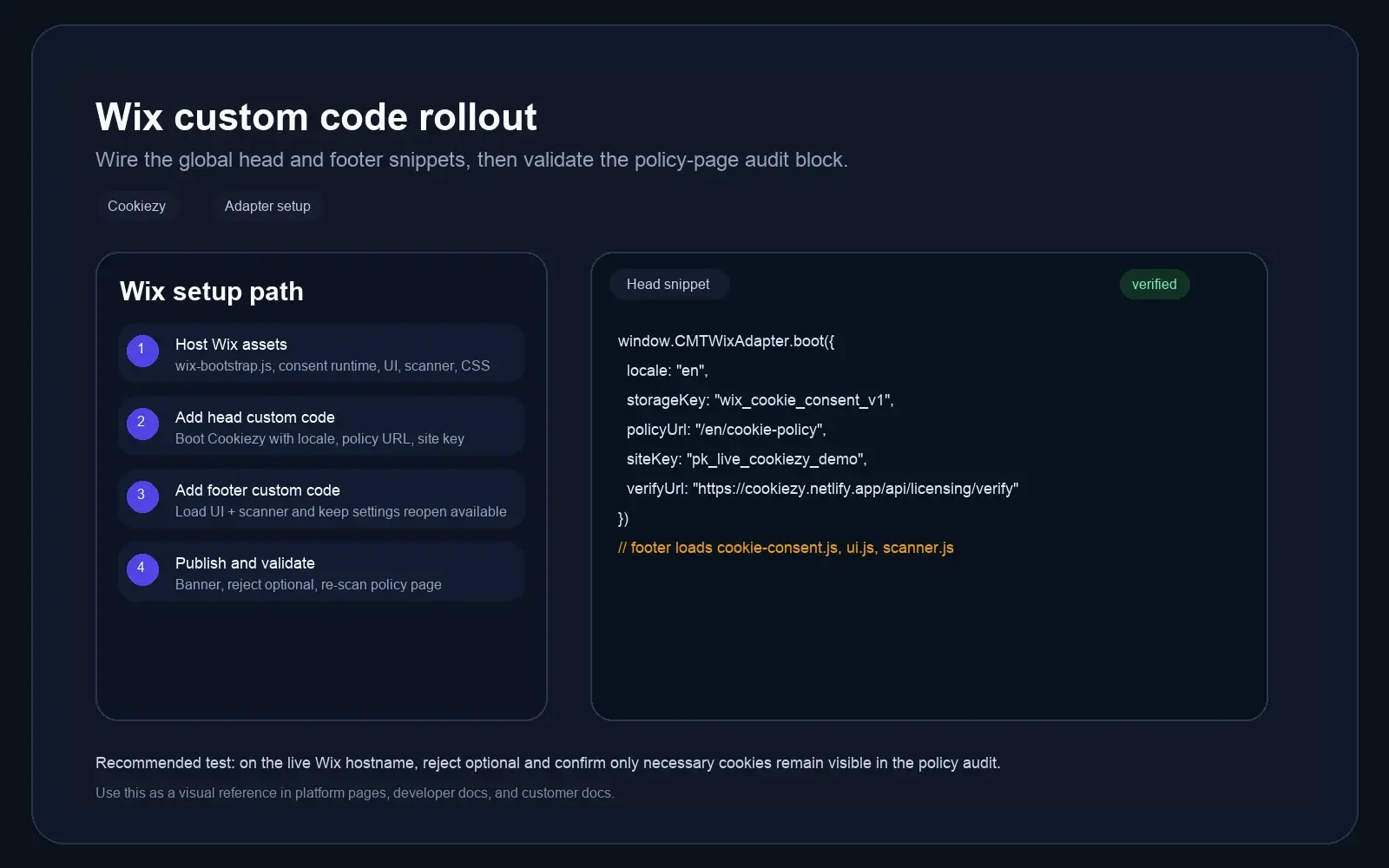
- • Keep Platform Core custom-code files only as a fallback path.
Connect the Wix app to the right Cookiezy account
Open `Cookiezy Overview` inside the Wix app and link the install to the billing email and live hostname that belong to the correct Cookiezy account.
- • Activate the explicit 14-day Trial or complete paid billing first.
- • Enter the billing email that owns the target site key.
- • Register the exact live Wix hostname before publishing the runtime.
- • Wait until `Cookiezy account linked`, `Site key is present`, and `Hostname is registered` all show `Ready`.
How a new Wix customer installs Cookiezy
Use this exact flow for a brand-new Wix merchant. The Wix app is the product surface, while Cookiezy handles billing, hostname registration, site key assignment, and runtime verification.
- • Start on Cookiezy, activate the explicit 14-day Trial or complete paid billing, then open the Wix app install link from Downloads.
- • Use that private or unlisted Wix app install link to add the app to the target Wix site.
- • Open `Cookiezy Overview` in Wix, enter the Cookiezy billing email and the live Wix hostname, then click `Link Cookiezy account`.
- • If hostname readiness is still pending, go back to Cookiezy billing and register the exact live Wix hostname before continuing.
- • Open `Cookiezy Settings`, use the current app-hosted runtime URL, save the settings, and publish the runtime on the Wix site.
- • Visit the real Wix site or the app-managed preview and confirm that the banner appears without any manual Custom Code step.
Publish the app-hosted runtime from Cookiezy Settings
In `Cookiezy Settings`, use the current app-hosted runtime URL, save the settings, then publish the runtime on the Wix site. This is the intended primary merchant flow.
Code snippet
Cookiezy Settings
1. Use current app-hosted runtime URL
2. Save settings
3. Publish runtime on Wix site

Expected result
- Runtime publish confirmed: Ready
- No manual Wix Custom Code step requiredHow cookie scanning works on Wix
Wix merchants do not install a separate scanner plugin. The audit and scanner runtime are delivered together with the app-hosted consent runtime that the Wix app publishes to the site.
- • Do not ask the merchant to upload a separate scanner file or install a second Wix plugin.
- • After the runtime is published, open the Cookie Policy page and confirm that the audit block renders on the site.
- • Use the policy page and settings reopen flow to confirm that the scanner output stays in sync after consent changes.
- • Keep the Platform Core custom-code files only as a support or recovery fallback if app-managed publish needs debugging.
Validate the live Wix site
After publish, test the visitor-facing consent flow on the real Wix site or app-managed preview surface.
- • Banner appears on first visit.
- • Reject optional keeps optional categories blocked.
- • Accept all unlocks the optional categories that the merchant configured.
- • Settings UI can be reopened after the first choice.
- • Cookie policy audit renders and re-scan works.
- • Verification returns `allowed: true` for the registered Wix hostname.
- • If billing is inactive or the hostname is not registered, the runtime falls back to necessary-only restricted mode.
When to use Platform Core custom-code files
Use `cookiezy-platform-core.zip` and the Wix custom-code assets only for support, debugging, or recovery. They are no longer the primary merchant-facing rollout path.