

Documentation last updated May 29, 2026
React adapter release status
Current React rollout version and notes for the plain adapter shipped inside Platform Core.
Current version
0.1.23
Delivery lane
Included in Platform Core
Compatibility notes
React still uses the plain adapter lane from Platform Core rather than a separate React-specific package.
Key rollout changes
1. Load the adapter once from the app shell.
2. Use `window.Cookiezy.setLocale(...)` after client-side locale changes.
3. Keep the policy audit mounted on the policy route.
React adapter: post-purchase rollout
Use this guide after payment to move from ZIP download to a tested React integration.
- • Download `platform-cookie-core.zip` from the customer area.
- • Copy the plain adapter and shared assets into `public/` or your CDN.
- • Register the live hostname in billing.
- • Load the runtime once from the React shell and boot it with a `license` object that includes `siteKey`, `verifyUrl`, and `billingUrl`.
- • Validate SPA navigation, consent state, and audit behavior.
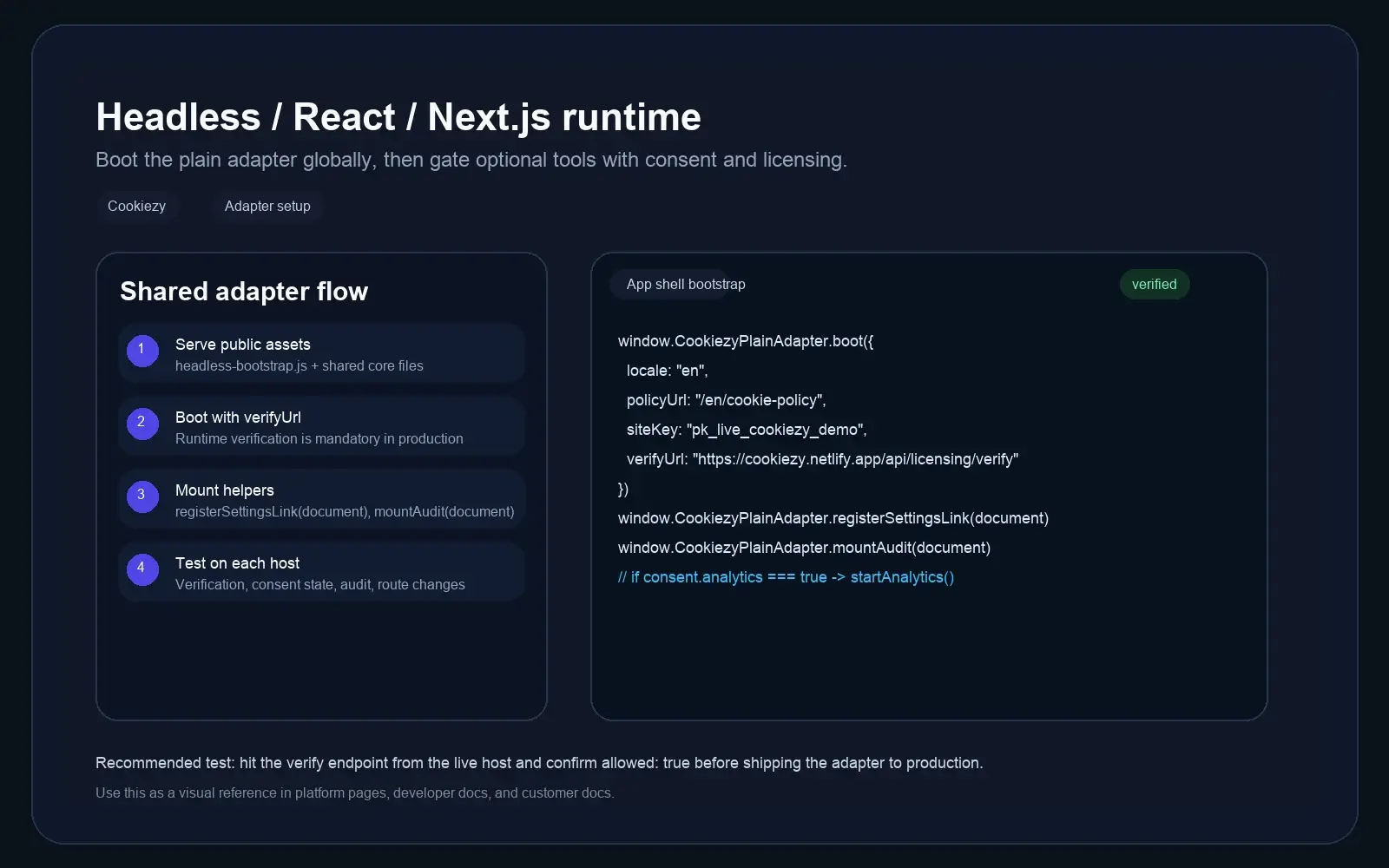
Serve the assets globally
Place the plain adapter files and shared assets where the React app can serve them globally from the shell.
Code snippet
public/cookiezy-plain-adapter.js
public/cookie-consent.js
public/cookie-consent-ui.js
public/cookie-consent-scanner.js
public/cookie-consent.cssBoot Cookiezy from the shell
Boot the adapter before optional integrations run. Include the site key and verify URL in production.
Code snippet
window.CookiezyPlainAdapter.boot({
  locale: currentLocale,
  defaultLocale: "en",
  localeRoutes: {
    en: { policyUrl: "/en/cookie-policy", pathPrefixes: ["/en"] },
    sl: { policyUrl: "/sl/politika-piskotkov", pathPrefixes: ["/sl"] }
  },
  storageKey: "cookiezy_react_v1",
  license: {
    siteKey: "ck_live_cookiezy_demo",
    verifyUrl: "https://cookiezy.com/api/licensing/verify",
    billingUrl: "https://cookiezy.com/en/billing"
  }
});Bind Cookiezy to the same locale source as your React router
In React apps, use the same locale variable that drives your route layer or i18n provider. The shared core will then resolve the correct messages and policy page for the active locale.
- • For router-driven locales, pass `locale` explicitly from the current route.
- • Keep `localeRoutes` as the source of truth for locale-specific policy URLs.
- • If your app can switch locale client-side without a full page reload, call `boot()` again with the new locale before opening the settings modal.
Update the banner language without reloading the page
If the React app switches locale client-side, you can update Cookiezy in place instead of reloading the page. This refreshes the banner copy, modal copy, and policy link for the new locale.
Code snippet
window.Cookiezy.setLocale("sl", {
  localeRoutes: {
    en: { policyUrl: "/en/cookie-policy", pathPrefixes: ["/en"] },
    sl: { policyUrl: "/sl/politika-piskotkov", pathPrefixes: ["/sl"] }
  },
  license: {
    billingUrl: "https://cookiezy.com/sl/billing"
  }
});Gate integrations and test SPA behavior
Optional analytics and marketing services must wait for consent, even after route changes.
- • Banner appears on first visit.
- • Consent state survives client-side navigation.
- • Optional analytics starts only after explicit consent.
- • Policy page audit mounts correctly on the policy route.
- • Verification endpoint returns `allowed: true` on the live hostname.
- • If billing is inactive or the hostname is not registered, the runtime falls back to necessary-only restricted mode.